Collect guest photos with a QR code and link
Use the QR code on printed invitations and at your venue. Share the link through digital invitations or KakaoTalk.
Collect guest photos and videos with one QR code.
No sign-up or app needed for guests.
Try it right away with no card required

Use the QR code on printed invitations and at your venue. Share the link through digital invitations or KakaoTalk.
Guests can upload the photos they take right away, without signing up or installing an app.
By default, only the couple can view the collected photos. You can also invite family to view them together.
Guests can keep uploading photos even when your album is full. Reaching your storage limit won’t block uploads, so you can keep every special moment.
Sign up and create an album to get your own QR code and sharing link.
Make your album public so guests can upload their photos.
Save the QR code or copy the link, then share it through your invitation and group chats.
Give guests a few natural moments to upload, and more of the day will arrive in one album.
Add the link to your digital invitation and the QR code to your printed invitation, then share them with guests before the wedding.
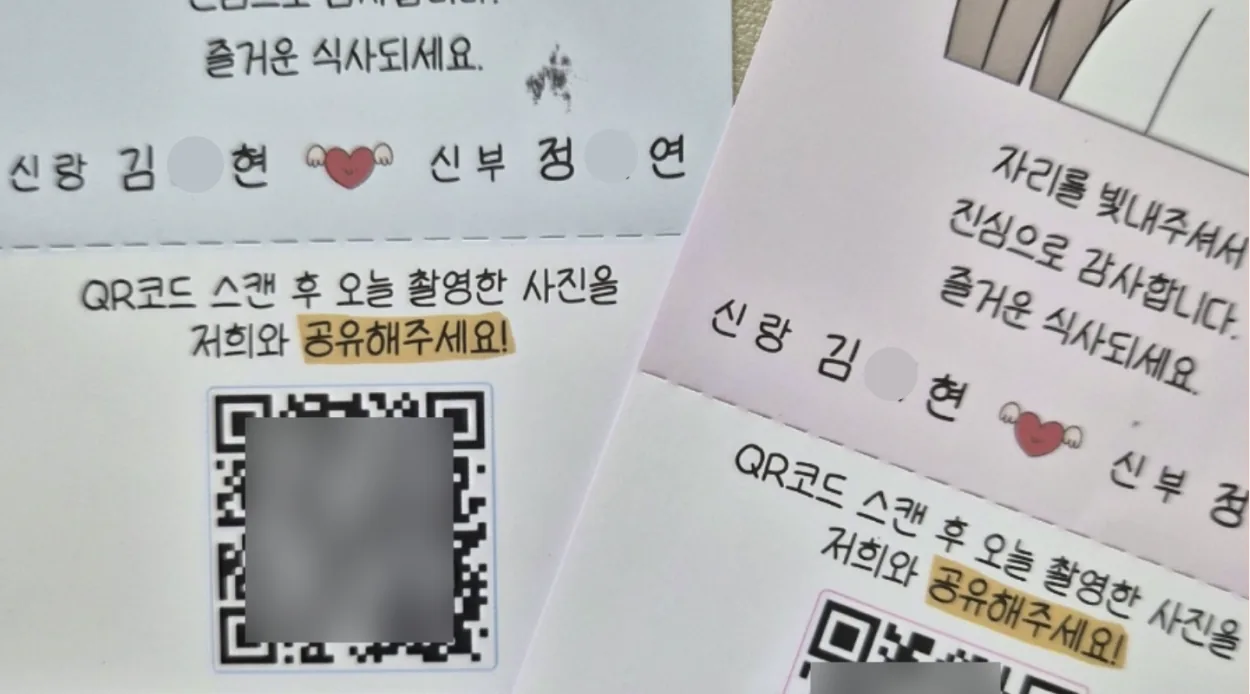
Place QR codes on meal tickets or simple table tents at your venue, and ask your emcee to briefly explain how to share photos.
Bring the photos together in each album and thank the guests who captured your favorite moments.
We gathered guest photos we nearly missed
“I was so happy to receive guest photos and videos in real time, including moments we might otherwise have missed.”

Seeing photos in order was so easy
“Seeing the photos in order, from before the ceremony through the reception, naturally brought back the memories of the day.”
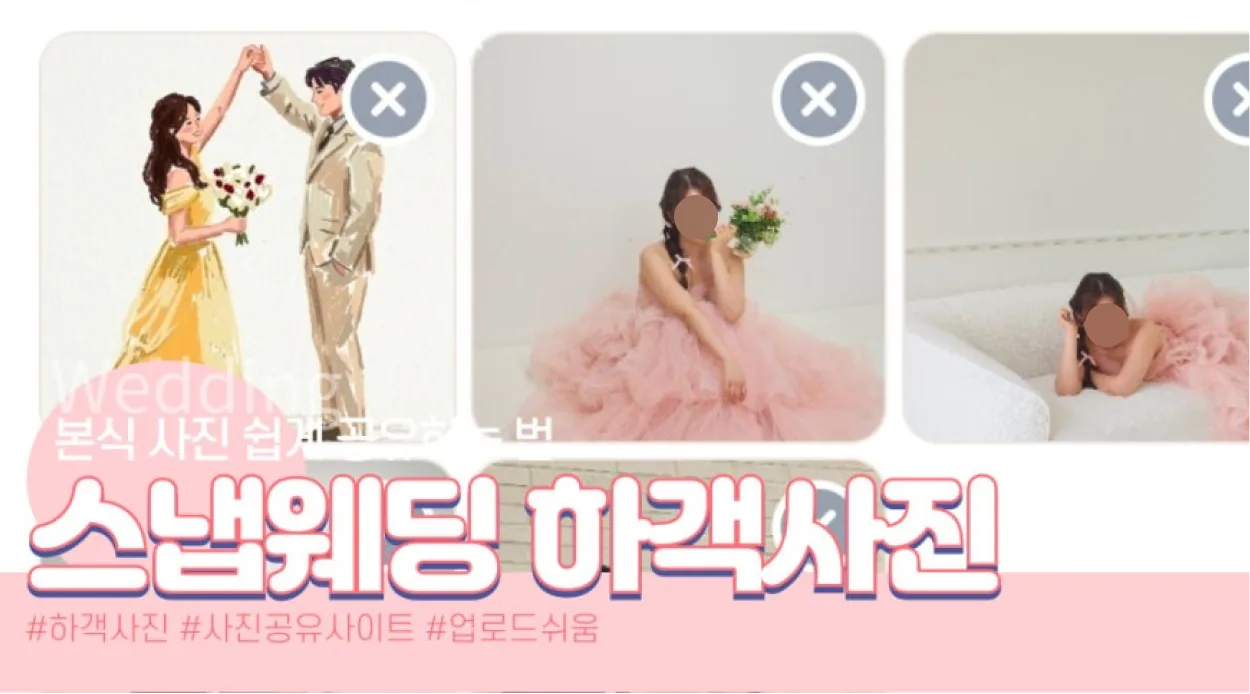
We used it often before the wedding day
“I thought it was only for the wedding day, but I ended up using it even more throughout the preparation process.”
Personalize the preview with your photo and message before sharing the link through KakaoTalk or text. Guests can see what the link is for at a glance and feel welcome to share their photos.
Host a best photo event to encourage guest uploads, then thank the guests who captured your favorite shots with a small gift.
* This feature is available to Premium users only.
Not at all. Guests can upload photos immediately by scanning the QR code, without creating an account or installing an app. We made the process as simple as possible so everyone can participate easily.
A QR code is created automatically when you make an album. Using all three methods below can significantly increase participation. First, add the link to your mobile invitation in advance. Guests who know about it before arriving are much more likely to participate on the day. Second, ask your emcee to announce it. Snap Wedding provides an announcement card for emcees; we recommend announcing it twice, once at the start of the ceremony and again before the final recessional. Third, print the QR code and place it on guest tables and near entrances. The more visible it is, the more guests will participate.
Yes. By default, only the couple can view uploaded photos, so guests do not have to see every photo, including the ones that did not turn out well. You can also share the album with people you invite directly, such as parents or anyone else you want to enjoy the memories with.
Do not worry. Even if you exceed the storage limit, guest uploads are accepted temporarily instead of being blocked immediately. For uninterrupted service, please upgrade your plan after the wedding. We recommend choosing a plan for your expected guest count in advance.
Yes, you can pay in advance! The retention period is based on the wedding date set for your album, not your payment date. Opening your album early does not shorten the storage period after your wedding. Start 2–3 months ahead to collect photos from invitation gatherings or add the QR code to your printed wedding invitations.
Yes. Regardless of your wedding date, you can create and open an album early, then close the event whenever you are ready. Collect every moment in one album, from studio shoots, dress fittings, makeup, bridal showers, and wedding preparations through the wedding day itself.
Yes. Storage is allocated separately to each album. For example, the Standard plan lets you create 3 albums with 5 GB each, giving you up to 15 GB across all albums.
No. Snap Wedding is not a recurring subscription. You pay only once when you need a plan, and there are no unwanted automatic charges.
From your once-in-a-lifetime moments to the laughter of family and friends. Bring the photos and videos your guests capture together in one QR album.
Create a free QR album