



Mini QR card
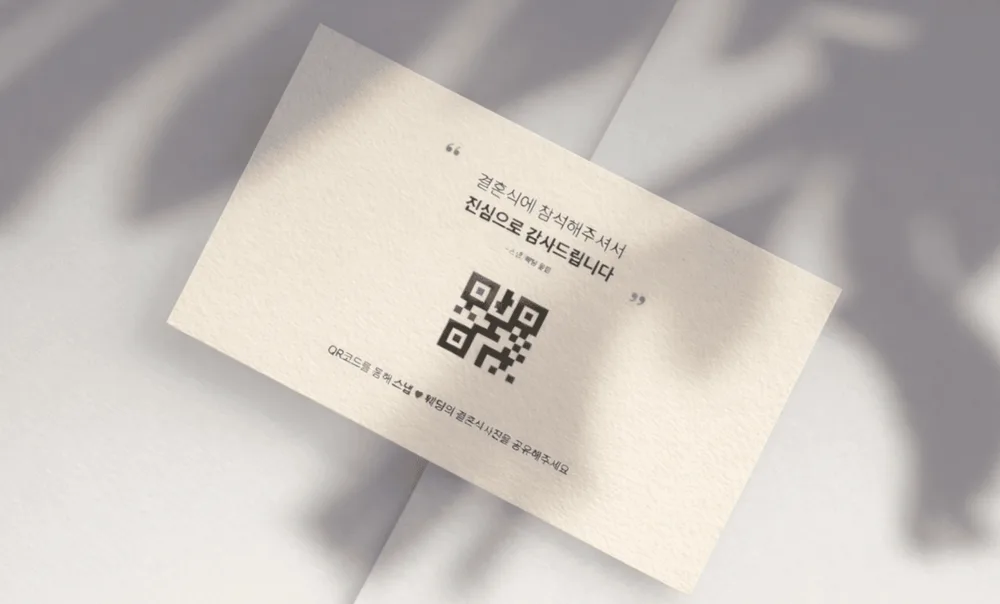
Hand out a mini QR card with meal tickets at reception so every guest receives it.
Guide
Learn how to collect more guest photos, from preparing for your wedding to keeping your favorite memories.
Get your album ready to welcome your guests. Personalize its cover and link preview with photos you love, so it feels like you from the moment you share it.
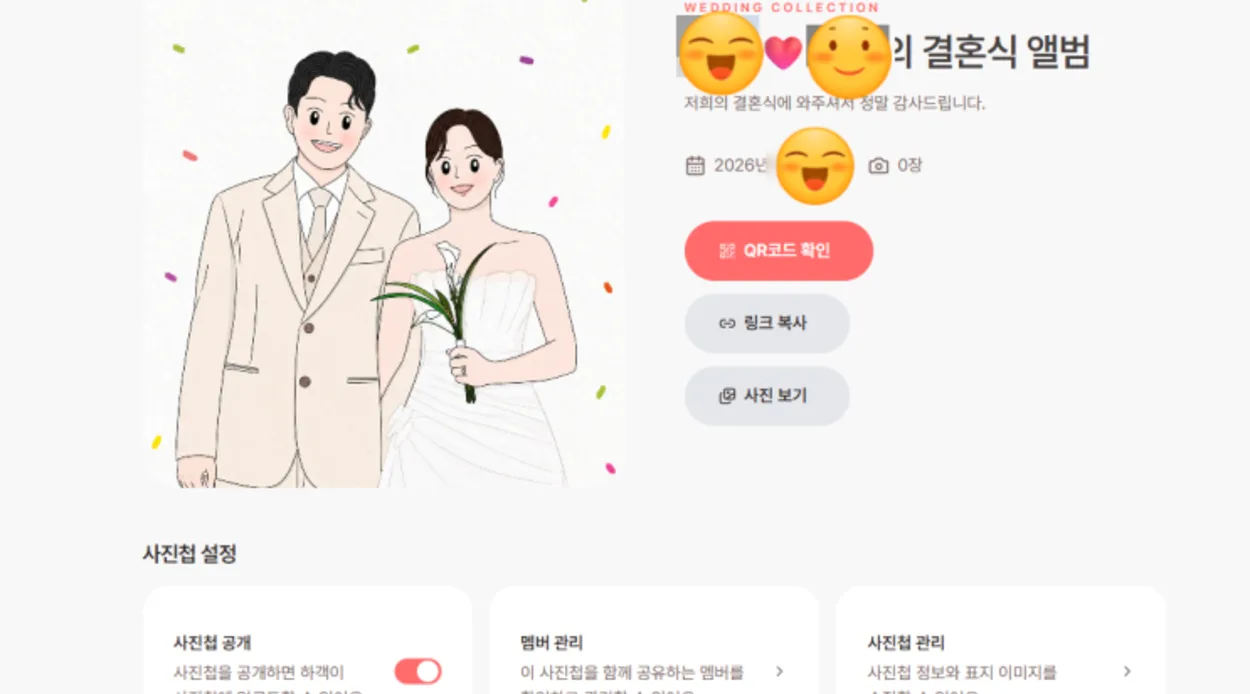
Enter your wedding date and album name to create a space for your memories. Your QR code and sharing link will be ready too.
Your cover is the first photo guests see when they open the album. Welcome them with a wedding portrait or a favorite moment that feels like you.
Personalize the preview guests see when you send your link through KakaoTalk or text message. A photo of the two of you makes every shared link feel more personal.
Share your album link before the wedding and invite guests to capture your special moments. A small event can encourage more guests to join in and help you collect even more beautiful photos.
Customize the link preview with your photo and message, then share it through KakaoTalk or text. Ask guests to upload their wedding photos to the album and include details of your photo event.
Make sharing photos more fun with an event and a small gift. After the wedding, choose your favorite photos and thank the guests who captured those special moments.
* This feature is available to Premium users only.
Place the wedding photo sharing QR code along the guest journey, from reception and meal tickets to tables.
Hand out a mini QR card with meal tickets at reception so every guest receives it.
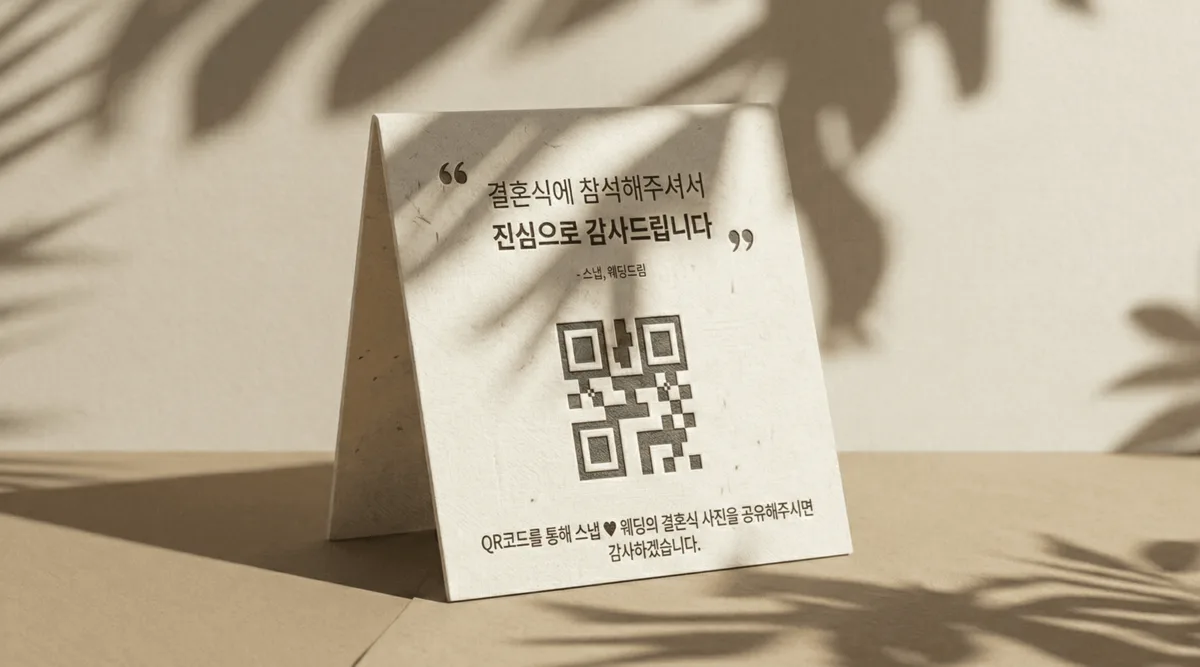
Place a small table tent at reception or on tables where guests spend the most time.
Pair the visible QR code with a spoken reminder so guests do not miss how to upload their photos.
*Copy these lines and adapt them with your emcee as needed.
During the introduction
You may have received a mini QR card on arrival. Please use it to share the wonderful moments you capture today. Your photos will become a meaningful wedding gift the couple can treasure for years to come.
Event announcement(If hosting an event)
The couple will choose their favorite photos from those you take today and thank the photographers with a small gift. Please share the beautiful moments you capture using the link sent to you in advance or the QR code on your table.
Before the couple exits
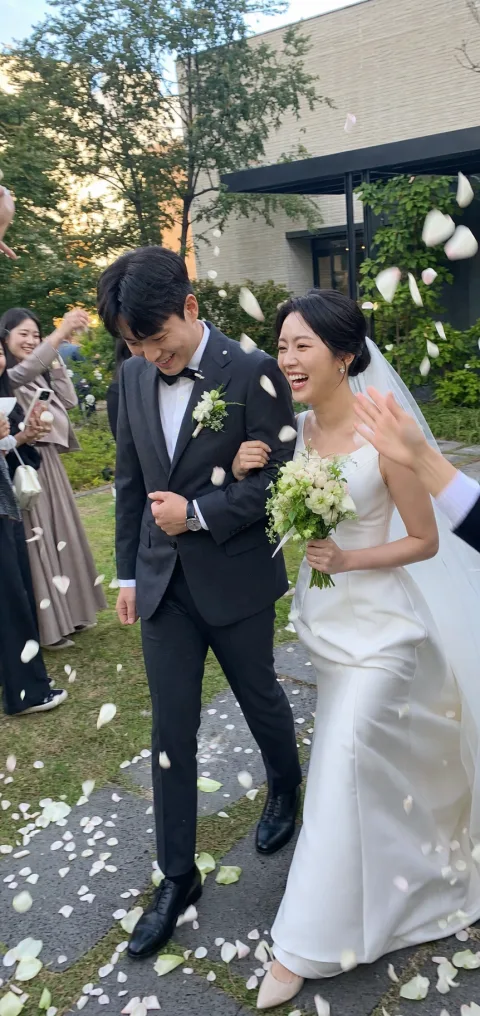
As the couple takes their first steps together, please capture the moment and share your photos through the QR code on your mini card. Thank you for helping preserve this beautiful day.
Guests can upload photos and videos from their mobile browser without installing an app or creating an account.
Open the album from the QR code or link
Guests scan the QR code with their phone camera or tap the shared link to open the wedding album.
Enter a name
Guests enter the name shown with their photos and continue without creating an account.
* When hosting an event, you can optionally collect guests’ phone numbers as needed.
Choose photos and videos to upload
Guests select photos and videos from their phone, then tap upload to send them to the album.
Review every guest photo and video in one album, view them with family, and download the memories you want to keep.
See guest photos and videos in the natural flow of the day, from preparations and the ceremony to the reception.
Invite parents, family, or friends as album members so they can review the wedding photos from their own account.
Choose individual memories or download the photos and videos collected in the album together for safekeeping.
The QR code makes participation easy
“Scanning the QR code made it feel easy for guests to participate.”

Scattered photos stay organized
“One QR code collects the photos in one place and makes them easy to organize.”

Guests need no account or app
“Guests can open the link and upload without signing up or installing anything.”
From your once-in-a-lifetime moments to the laughter of family and friends. Bring the photos and videos your guests capture together in one QR album.
Create a free QR album